Realistic role-play
Describe who you're talking to and what it's about; the AI plays them with adjustable difficulty, from receptive to defensive.
Prehearse
Asking for a raise, setting a boundary, giving hard feedback — the hardest conversations are the ones we never get to practice. Prehearse gives you a private space to rehearse them with a realistic AI partner and receive supportive coaching on what worked and what to try differently. Your rehearsals stay on your device.
Features
Describe who you're talking to and what it's about; the AI plays them with adjustable difficulty, from receptive to defensive.
After each rehearsal, get supportive feedback on clarity, empathy, and delivery, plus concrete phrases to try.
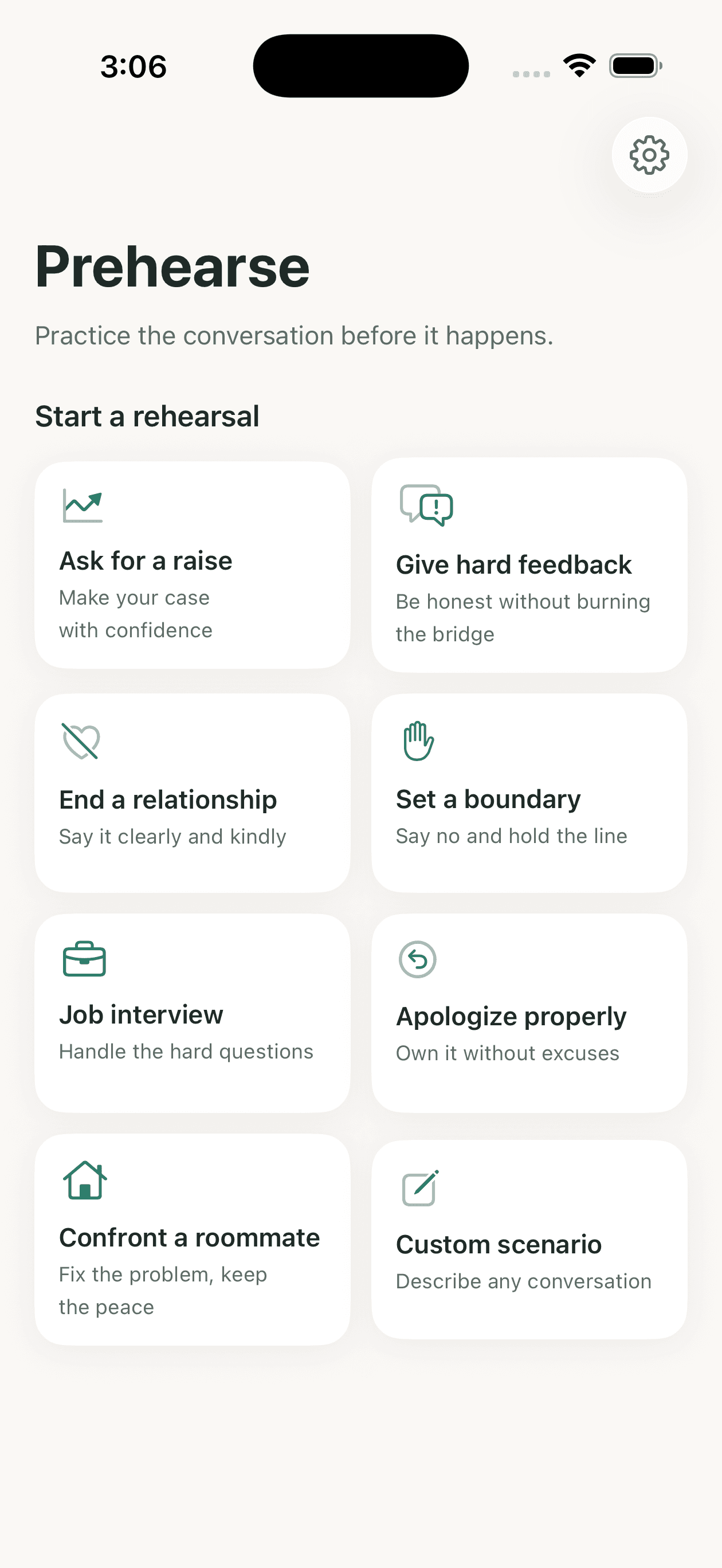
Start fast with presets like asking for a raise, giving hard feedback, setting a boundary, or a job interview.
Rehearsals and debriefs are stored on your device, not on our servers. No ads, no analytics SDKs, no tracking.
Prehearse is a practice tool, not therapy. If a rehearsal shows signs of crisis, the app pauses and surfaces real support resources.
Try your first rehearsal as a guest, then continue with Sign in with Apple or an email code. No passwords.
This app may include no ads, no in-app purchases, and no subscriptions.
No. Prehearse is a conversation-practice tool. The AI partner and feedback are simulations for preparation and confidence-building, not mental-health care or professional advice. If you are in crisis, contact local emergency services or a crisis line such as 988 in the US.
On your device. Scenarios, transcripts, and debriefs are saved locally with Apple's SwiftData. Umber Lab does not keep a server-side copy of your conversation history.
Message text is sent over encrypted connections to our AI provider to generate responses, processed transiently, and not used by Umber Lab for advertising or profiling.
You can try your first rehearsal as a guest. After that, sign in with Apple or an email verification code to continue practicing.
Open Prehearse and go to Settings → Delete Account. Your account is removed from our authentication provider, and local data can be cleared by deleting the app. Visit the account deletion page on this site if you cannot access the app.
Email support@umberlab.com and include Prehearse in the subject line.